


All doc

User Manual
Version update record
Version update record

Common Questions and Function Introduction
Common Questions and Function Introduction
System login
Home Page
Personal Center
Plugins are related to channels
Plugins are related to channels
How to install browser plugins?
How to install browser plugins?

The plugin failed to import the resume
The plugin failed to import the resume
When the channel saves the resume, it automatically checks for duplicates
When the channel saves the resume, it automatically checks for duplicates
Automatically remind HR to update contact information
Automatically remind HR to update contact information
Automatically update contact information/Synchronize job status on the external network
Automatically update contact information/Synchronize job status on the external network
Position-related
"Candidate related
Related to the talent pool
Related to the talent pool
Custom configuration
Report Center
Others
Open class
Best Practice
New Feature Recommendation
New Feature Recommendation
"Operation gameplay"
Report White Paper
Popular activities

How to install browser plugins?
How to install browser plugins?


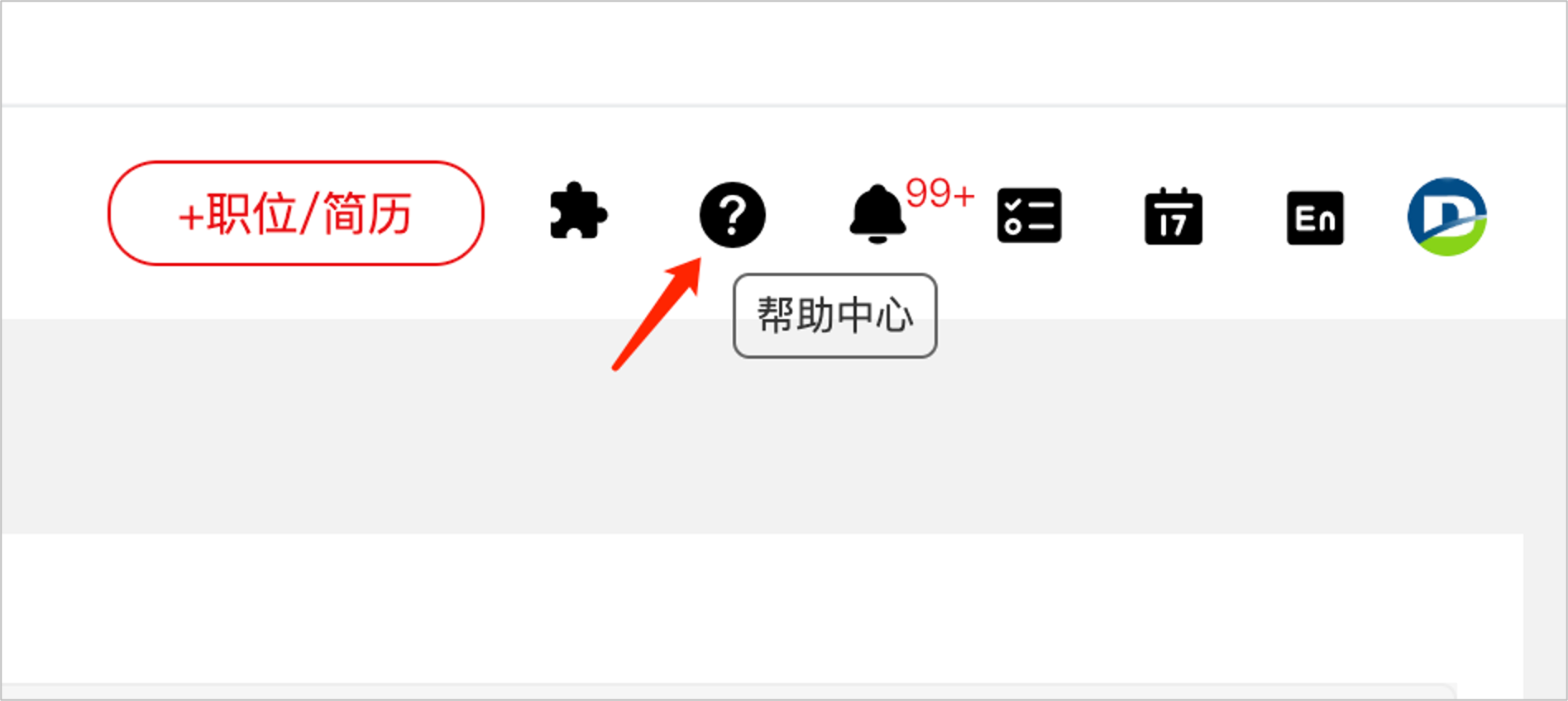
In the Help Center, you can download the installation file of the plug-in, as well as the supported browsers and installation instructions
Path: Help Center - Channel Assistant in the upper right corner of the system

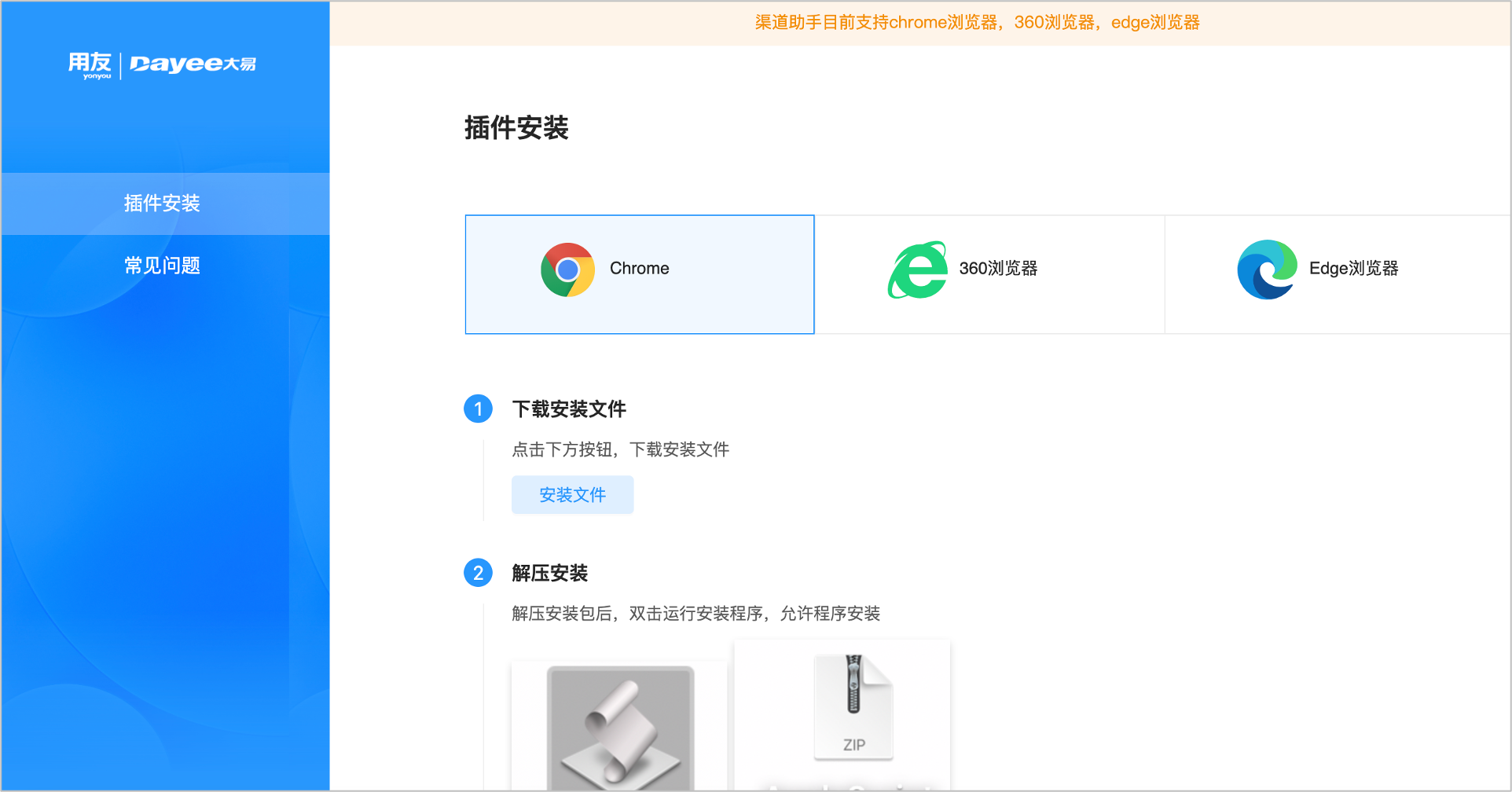
Click the link below to view the installation tutorials for each version of the plugin
Chrome browser channel installation tutorial, Windows channel installation video tutorial, Mac channel installation video tutorial
Evaluate this document
Helpful
No help