


All doc

User Manual
Version update record
Version update record

Common Questions and Function Introduction
Common Questions and Function Introduction
System login
Home Page
Personal Center
Plugins are related to channels
Plugins are related to channels
Position-related
"Candidate related
Data import
Data export

Resume locked/unlocked
Resume locked/unlocked
The resume can't be found.
The resume can't be found.
Introduction to the application for unlocking function
Introduction to the application for unlocking function
"Modify relevant
Resume screening
Notice relevant
Related to interviews
Related to interviews
Related to the interviewer
Related to the interviewer
"offer related
Recommendation/job-related change
Recommendation/job-related change
Related to resume tags
Related to resume tags
Related to the talent pool
Related to the talent pool
Custom configuration
Report Center
Others
Open class
Best Practice
New Feature Recommendation
New Feature Recommendation
"Operation gameplay"
Report White Paper
Popular activities

Send the offer in encrypted form
Send the offer in encrypted form


Scenario description: Send an offer to the candidate, but the offer letter usually involves sensitive information such as salary. I hope the candidate can verify his identity before viewing the offer.
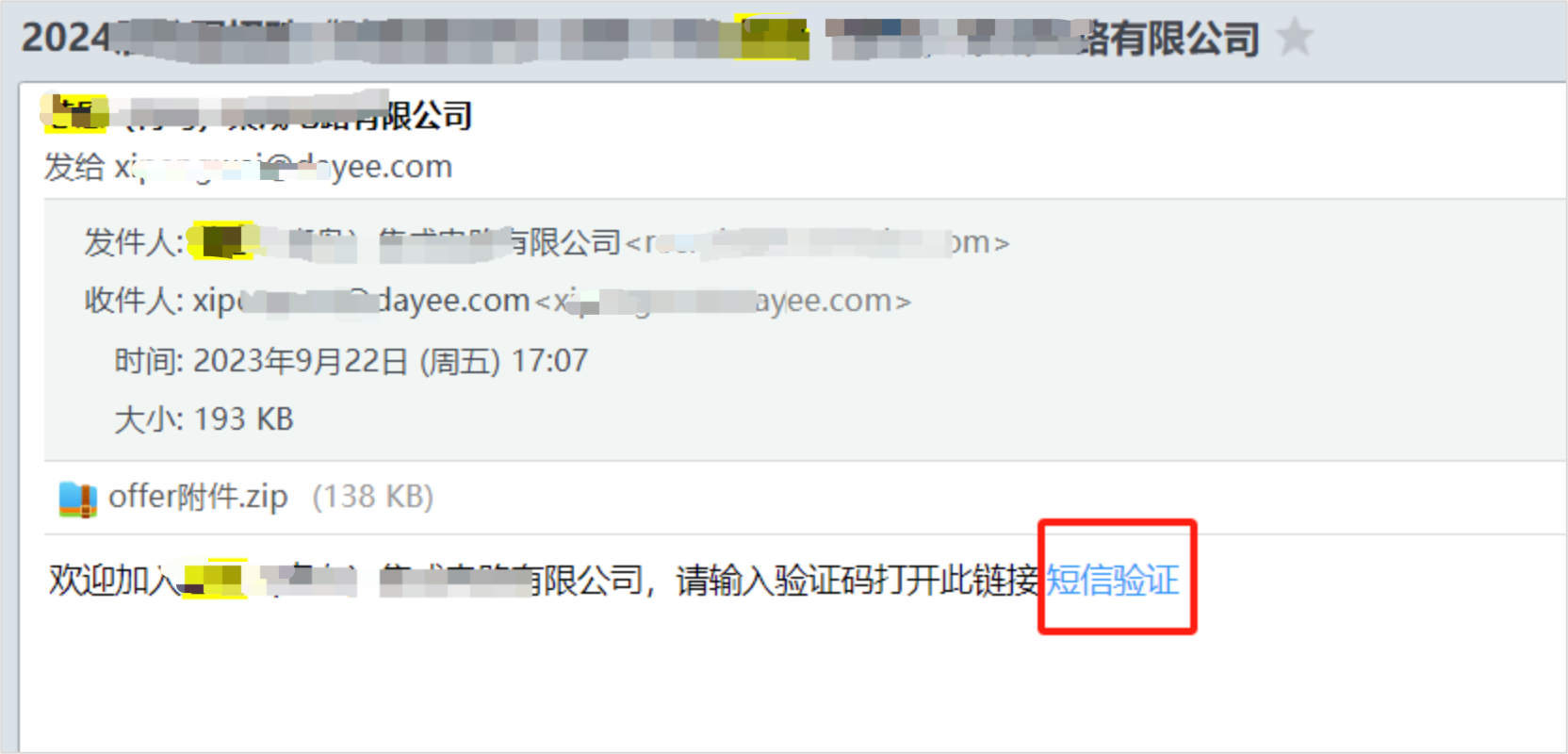
Solution: Use the offer encryption function, candidates receive the offer email, you can click send verification code, verification passed before you can view the email attachment;
The effect:
1. After receiving the offer email, candidates need to verify their mobile phones first
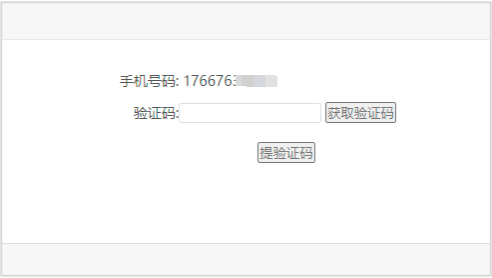
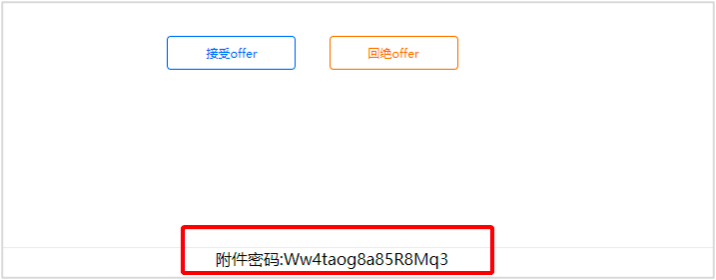
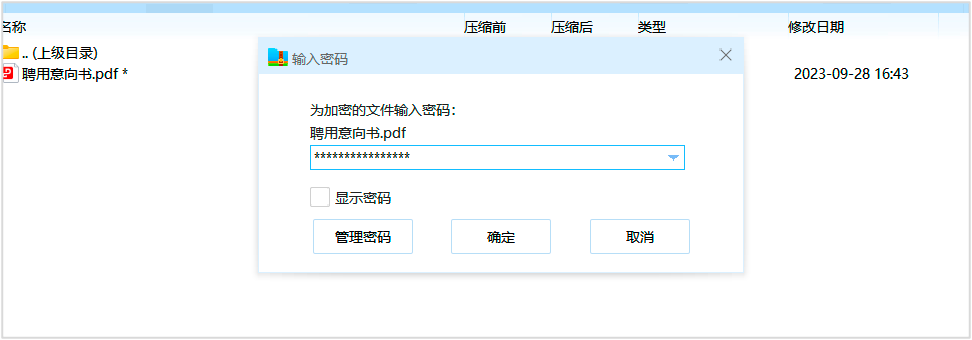
2. After SMS verification, you will enter the email letter page, and a string of passwords will be displayed below the letter for opening the attachment of the letter of appointment
Evaluate this document
Helpful
No help