

First, push inside and move inside
1) Optimization of the poster
Demand name: The built-in template background picture of the poster needs to provide the function of not showing
Background: The built-in background of the poster template is not allowed to be deleted. Some customers do not want the built-in background image to be hidden in the front end display, and the suggested size of the background image is fuzzy, requiring more detailed dimension annotation
Implementation function description:
Added rule for sharing poster Settings: Whether the built-in template background image is displayed on the poster side (default is yes)
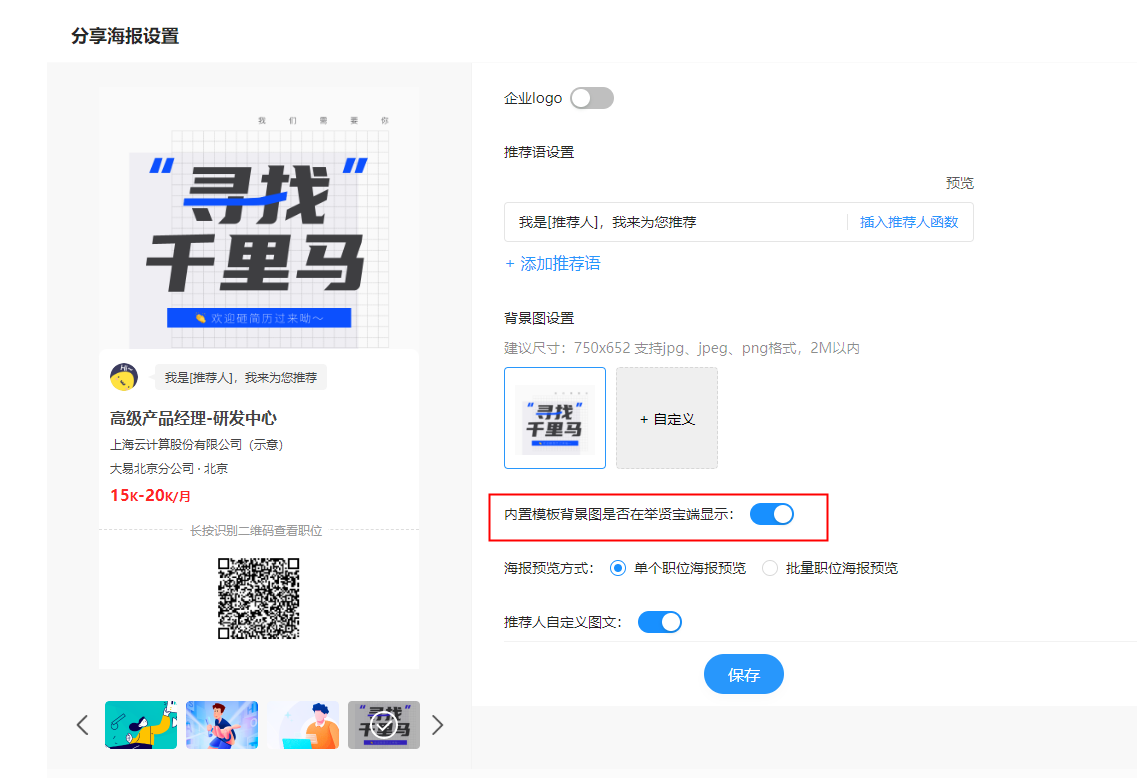
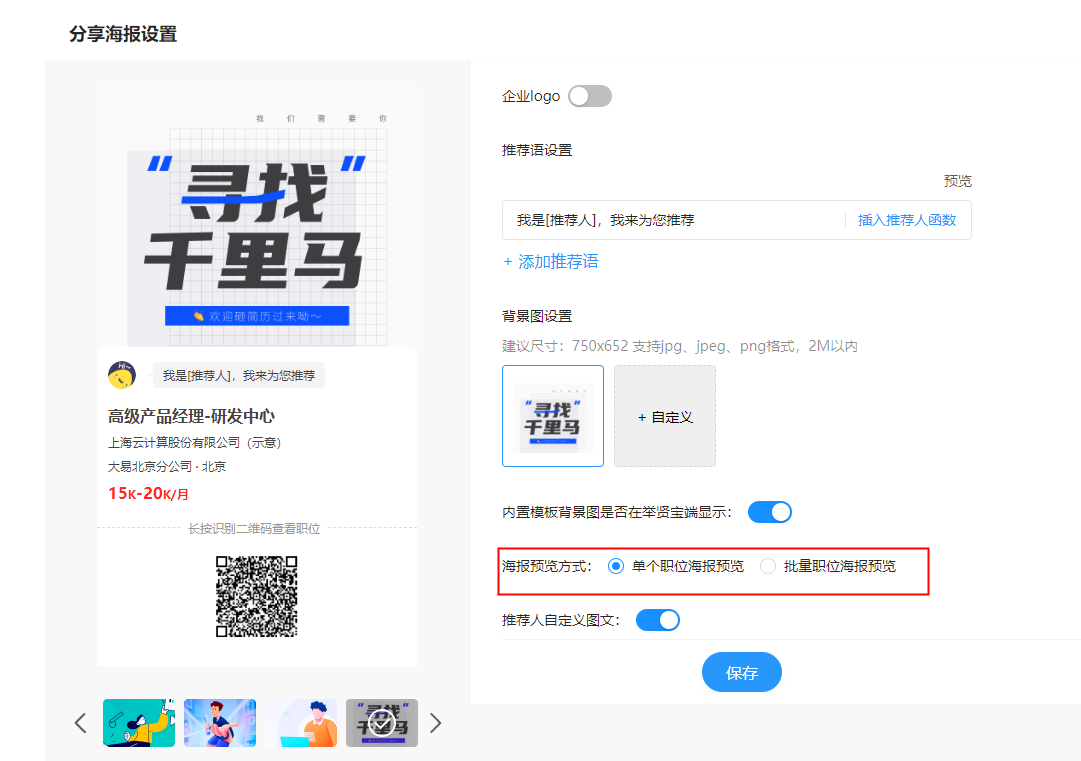
Support: Support to preview batch post poster style, you can see the same template under a single post, batch post display effect respectively
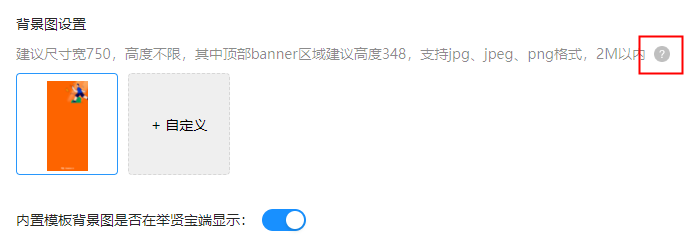
An auxiliary description is added next to the suggested size of each poster background image, and the detailed size of the template is displayed when the mouse is hovering over it
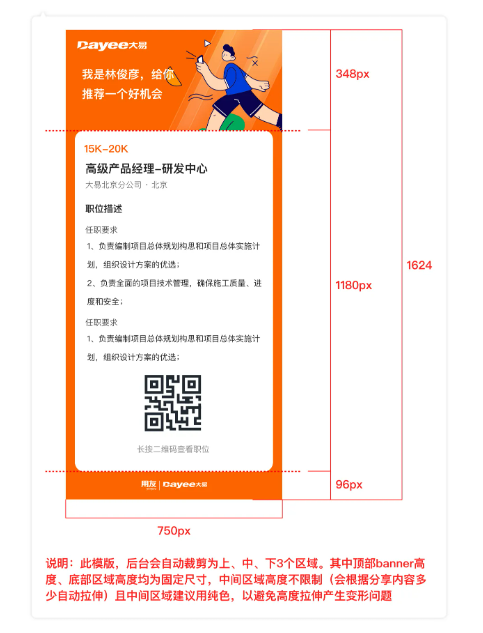
2. Interface ecology
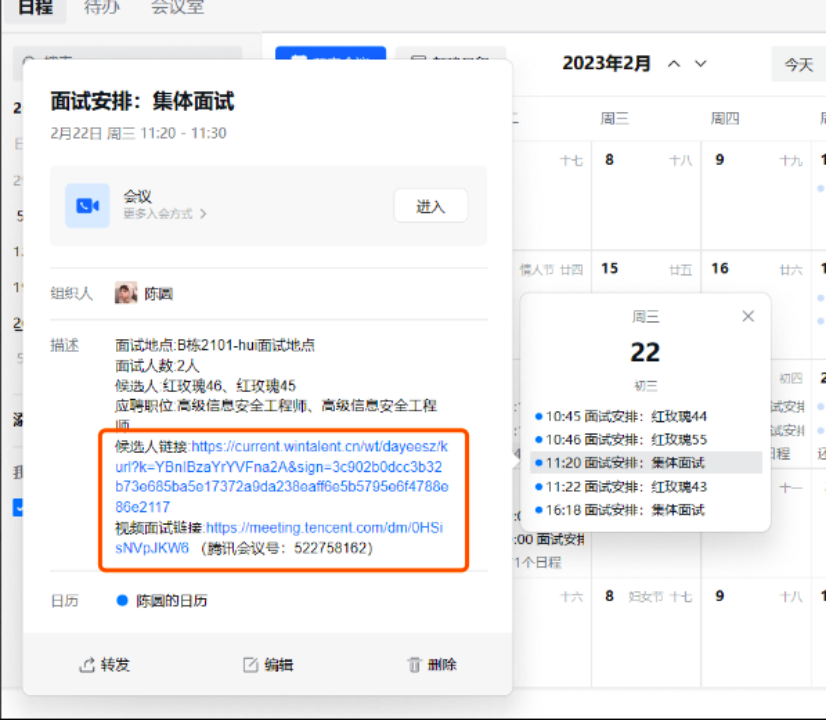
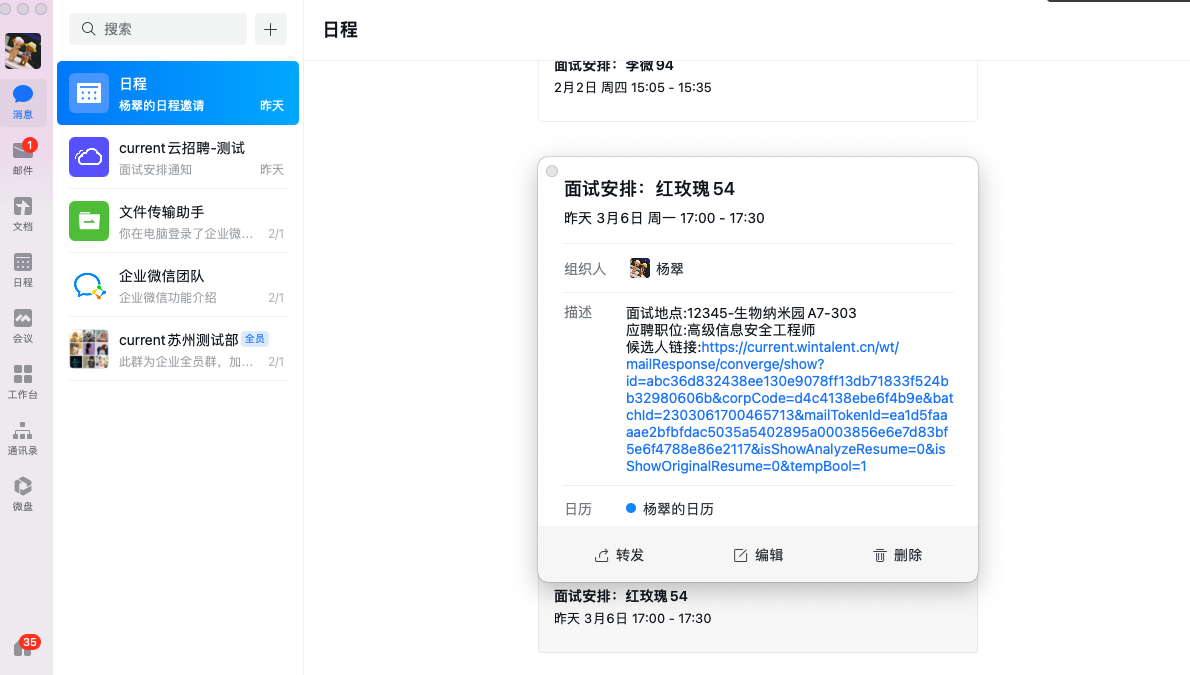
Enterprise wechat/Feishu/Dingding schedule optimization, video interview meetings can be triggered by one button of the schedule, while you can directly view the resume through the schedule message for interview evaluation
3. Talent community
1) Support to join the talent community/activities to send a welcome letter, the system preset template can be used directly
2) Support regular automatic activity notification, the system preset template can be used directly
4. Candidates
1) Resume details page can directly upload the original, HR update candidate information more convenient
2) Add the resume label "Position changed" to facilitate tracing the candidate's employment history
3) Allow candidates to view all employment records on their own
5, thousands of enterprises thousands of surface home mobile support video
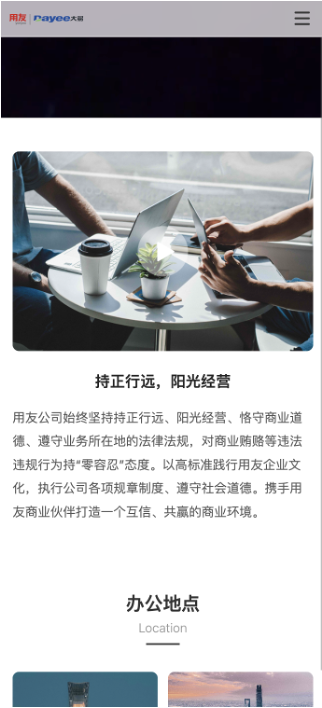
6, thousands of enterprises thousands of PC side added graphic mixing module

7, Tencent conference support group customer account management
For group customers, different branches/subsidiaries need to operate independently and will purchase separately. After this update, Tencent conference procurement shares can be configured according to different institutions
8. Interview management package update
1) The required items of the interview evaluation form can be configured separately according to different evaluation forms
2) Arrange video interview support to fill in the location, convenient for the interviewer to arrange a meeting room
3) Other video links to fill in the interview arrangement will be received in the email
4) Support the interview arrangement first, and then send interview notice to the interviewer/candidate later
5) You can configure which links to transfer to, and the interviewer can not make up the evaluation